


Qwen-Image-Edit-2511-Upscale2K
 80
80 4
4 1
1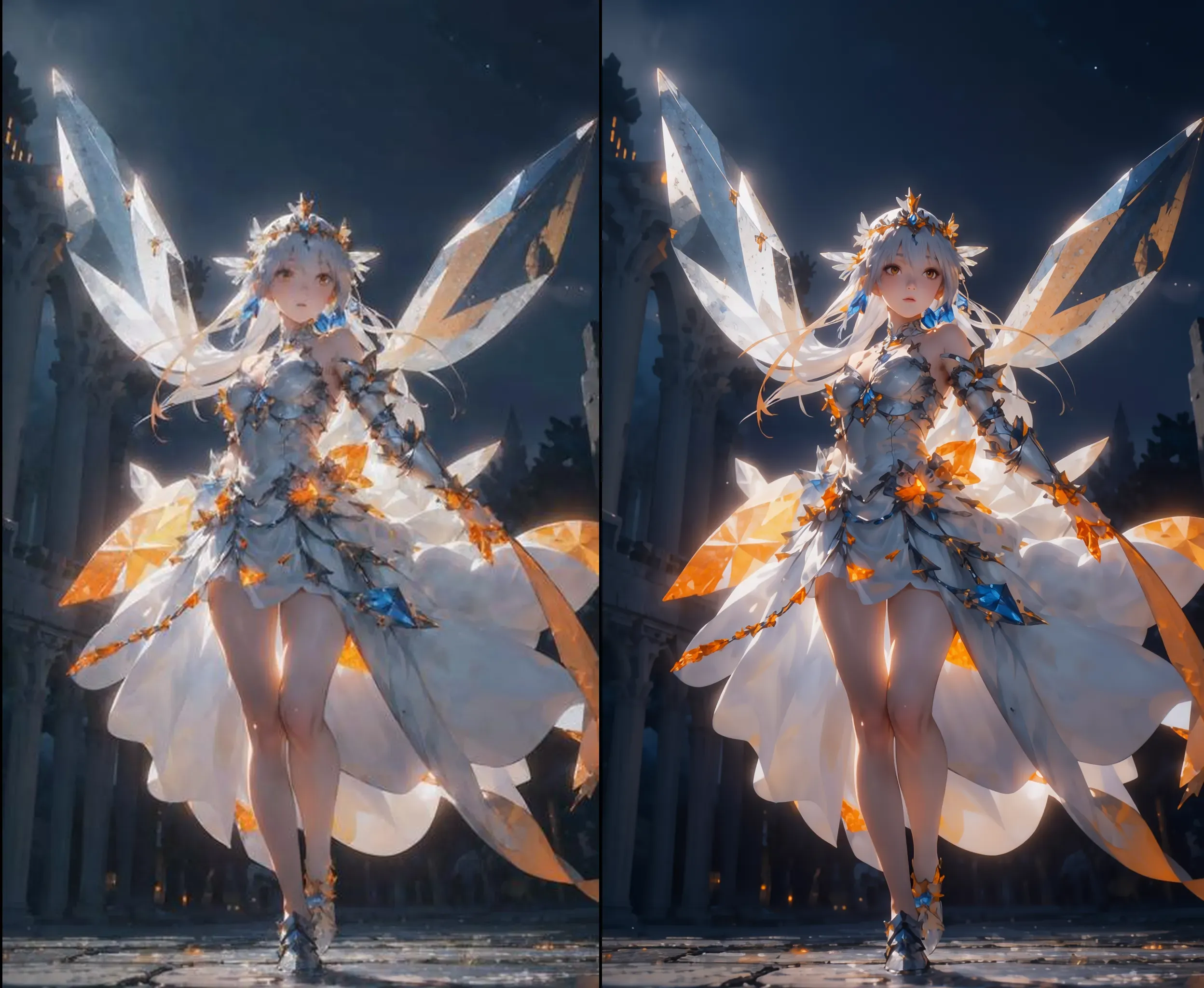
转载自Huggingface
license: apache-2.0 language:
- en base_model:
- Qwen/Qwen-Image-Edit-2511 tags:
- image-generation
- lora
- Qwen-Image pipeline_tag: image-to-image library_name: diffusers widget:
- text: >- Upscale this picture to 4K resolution. output: url: result/result1.png
- text: >- Upscale this picture to 4K resolution. output: url: result/result2.png
- text: >-
Upscale this picture to 4K resolution.
output: url: result/result3.png
valiantcat Qwen-Image-Edit-2511 LoRA
Model Card for Model ID
This is a model for High-definition magnification of the picture, trained on Qwen/Qwen-Image-Edit-2511, and it is mainly used for losslessly enlarging images to approximately 2K size.For use in ComfyUI.
ComfyUI Workflow
This LoRA works with a modified version of Comfy's Qwen/Qwen-Image-Edit-2511 workflow. The main modification is adding a Qwen/Qwen-Image-Edit-2511 LoRA node connected to the base model.
See the Downloads section above for the modified workflow.
Direct Use
from diffusers import QwenImageEditPipeline
import torch
from PIL import Image

# Load the pipeline
pipeline = QwenImageEditPipeline.from_pretrained("Qwen/Qwen-Image-Edit-2511")
pipeline.to(torch.bfloat16)
pipeline.to("cuda")

# Load trained LoRA weights for in-scene editing
pipeline.load_lora_weights("valiantcat/Qwen-Image-Edit-2511-Upscale2K", weight_name="qwen_image_edit_2511_upscale.safetensors")

# Load input image
image = Image.open("./result/test.jpg").convert("RGB")

# Define in-scene editing prompt
prompt = "Upscale this picture to 4K resolution."

# Generate edited image with enhanced scene understanding
inputs = {
    "image": image,
    "prompt": prompt,
    "generator": torch.manual_seed(12345),
    "true_cfg_scale": 4.0,
    "negative_prompt": " ",
    "num_inference_steps": 50,
}

with torch.inference_mode():
    output = pipeline(**inputs)
    output_image = output.images[0]
    output_image.save("edited_image.png")
Trigger phrase
Upscale this picture to 4K resolution.
There is no fixed trigger word. The specific removal prompt needs to be tested more
Download model
Weights for this model are available in Safetensors format.
Training at Chongqing Valiant Cat
This model was trained by the AI Laboratory of Chongqing Valiant Cat Technology Co., LTD(https://vvicat.com/).Business cooperation is welcome
返图区
暂无返图