


qwen_3_06b_base
 1.6k
1.6k 3
3 0
0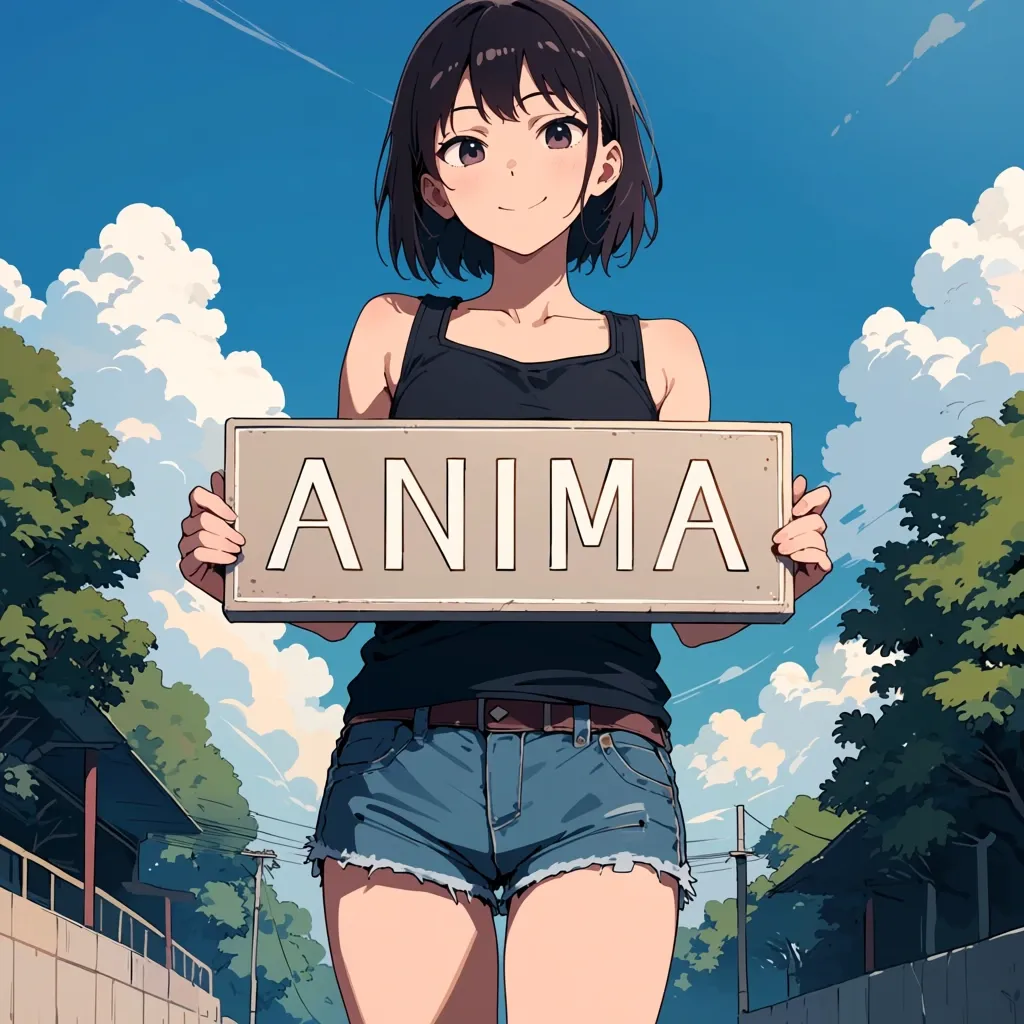

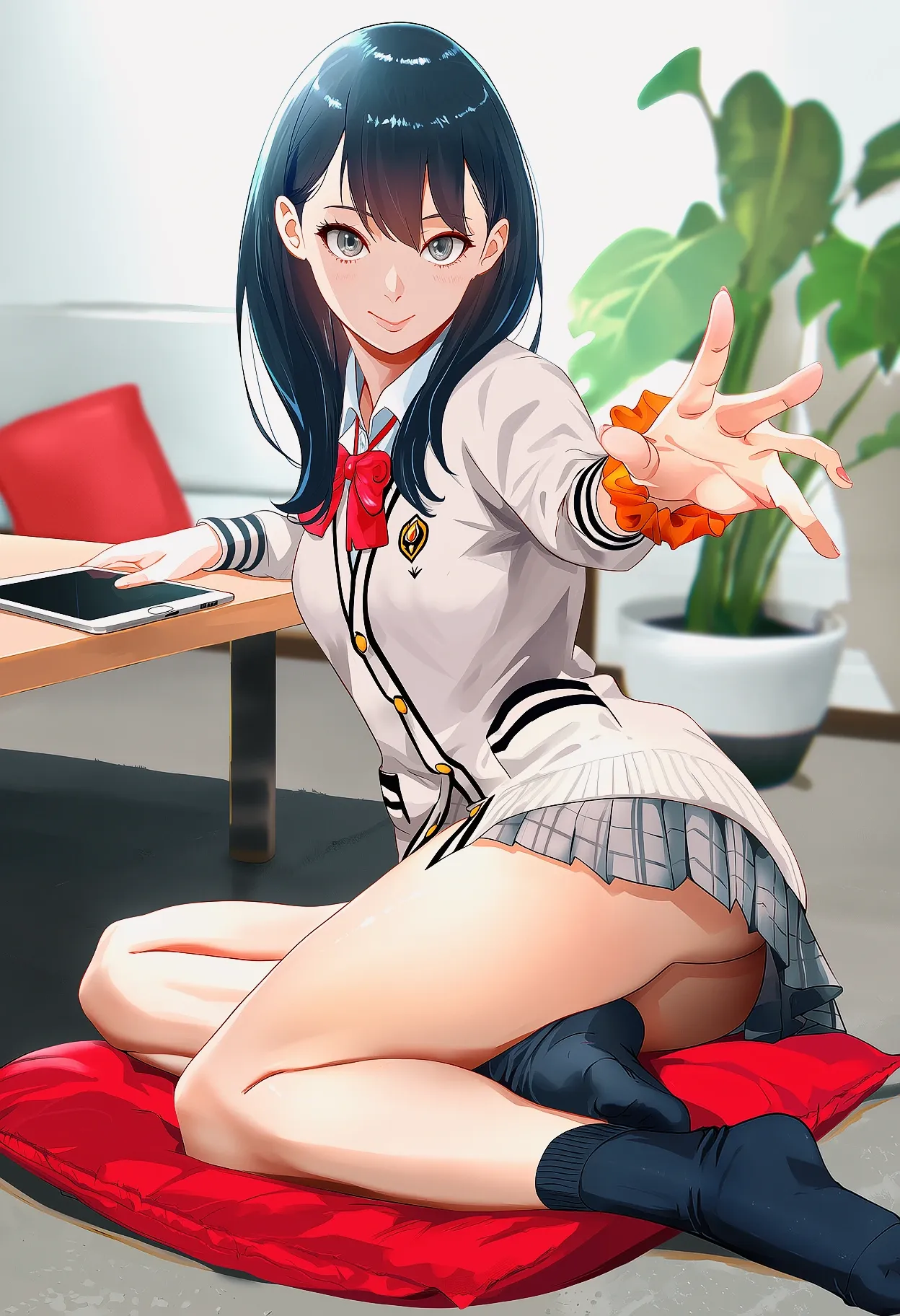
Anima is a 2 billion parameter text-to-image model created via a collaboration between CircleStone Labs and Comfy Org. It is focused mainly on anime concepts, characters, and styles, but is also capable of generating a wide variety of other non-photorealistic content. The model is designed for making illustrations and artistic images, and will not work well at realism.
It is trained on several million anime images and about 800k non-anime artistic images. No synthetic data was used for training. The knowledge cut-off date for the anime training data is September 2025.
This preview version is an intermediate model checkpoint. The model is still training and the final version will improve, especially for fine details and overall aesthetics.
Installing and running
The model is natively supported in ComfyUI. The above image contains a workflow; you can open it in ComfyUI or drag-and-drop to get the workflow. The model files go in their respective folders inside your model directory:
- anima-preview.safetensors goes in ComfyUI/models/diffusion_models
- qwen_3_06b_base.safetensors goes in ComfyUI/models/text_encoders
- qwen_image_vae.safetensors goes in ComfyUI/models/vae (this is the Qwen-Image VAE, you might already have it)
Generation settings
- The preview version should be used at about 1MP resolution. E.g. 1024x1024, 896x1152, 1152x896, etc.
- 30-50 steps, CFG 4-5.
- A variety of samplers work. Some of my favorites:
- er_sde: neutral style, flat colors, sharp lines. I use this as a reasonable default.
- euler_a: Softer, thinner lines. Can sometimes tend towards a 2.5D look. CFG can be pushed a bit higher than other samplers without burning the image.
- dpmpp_2m_sde_gpu: similar in style to er_sde but can produce more variety and be more "creative". Depending on the prompt it can get too wild sometimes.
Prompting
The model is trained on Danbooru-style tags, natural language captions, and combinations of tags and captions.
Tag order
[quality/meta/year/safety tags] [1girl/1boy/1other etc] [character] [series] [artist] [general tags] Within each tag section, the tags can be in arbitrary order.
Quality tags
Human score based: masterpiece, best quality, good quality, normal quality, low quality, worst quality PonyV7 aesthetic model based: score_9, score_8, ..., score_1
You can use either the human score quality tags, the aesthetic model tags, both together, or neither. All combinations work.
Time period tags
Specific year: year 2025, year 2024, ...
Period: newest, recent, mid, early, old
Meta tags
highres, absurdres, anime screenshot, jpeg artifacts, official art, etc
Safety tags
safe, sensitive, nsfw, explicit
Artist tags
Prefix artist with @. E.g. "@big chungus". You must put @ in front of the artist. The effect will be very weak if you don't.
Full tag example
year 2025, newest, normal quality, score_5, highres, safe, 1girl, oomuro sakurako, yuru yuri, @nnn yryr, smile, brown hair, hat, solo, fur-trimmed gloves, open mouth, long hair, gift box, fang, skirt, red gloves, blunt bangs, gloves, one eye closed, shirt, brown eyes, santa costume, red hat, skin fang, twitter username, white background, holding bag, fur trim, simple background, brown skirt, bag, gift bag, looking at viewer, santa hat, ;d, red shirt, box, gift, fur-trimmed headwear, holding, red capelet, holding box, capelet
Tag dropout
The model was trained with random tag dropout. You don't need to include every single relevant tag for the image.
返图区
暂无返图